
🎨 UI Color Customization
Usage
1
Enter the folder with the script
2Enter
Enter html folder
3Open the
Open the colors.css file
The code looks like this
CSS
/* use rgb format without commas */
/* more details you can find here */
/* https://tailwindcss.com/docs/customizing-colors#using-css-variables */

:root {
    /* custom colors */

    /* YOU CAN'T USE A COMMA BETWEEN RGB */
    --primary: 253 209 64; /* #fdd140 */
    --background: 32 46 59; /* #202e3b */
    --disabled: 114 114 114; /* #727272 */
    --background-body: 11 19 32; /* #0b1320 */
    --background-light: 42 61 78; /* #2a3d4e */

    /*!!! YOU MUST USE A COMMA BETWEEN RGB !!!*/
    --primary-rgba: 253, 209, 64; /* #fdd140 */
    --grid-dark-rgba: 11, 19, 32; /* #0b1320 */

    /* per-theme primary colors */
    --primary-legacy: 253 209 64; /* #fdd140 */
    --primary-legacy-rgba: 253, 209, 64;
    --primary-modern: 253 209 64; /* #fdd140 */
    --primary-modern-rgba: 253, 209, 64;
    --primary-zombie: 74 222 128; /* #4ade80 */
    --primary-zombie-rgba: 74, 222, 128;
    --primary-fantasy: 123 112 95; /* #7b705f */
    --primary-fantasy-rgba: 123, 112, 95;
}
To customize the UI for yourself, simply edit the RGB color.
Examples of color changes
Themes (v3)
v3 ships with four built-in visual themes. Switch between them by setting Config.Theme in configs/sh.main.lua:
Lua
Config.Theme = "modern" -- "legacy" | "modern" | "zombie" | "fantasy"| Theme | Description |
|---|---|
legacy | Original v1/v2 look |
modern | Default — clean modern look |
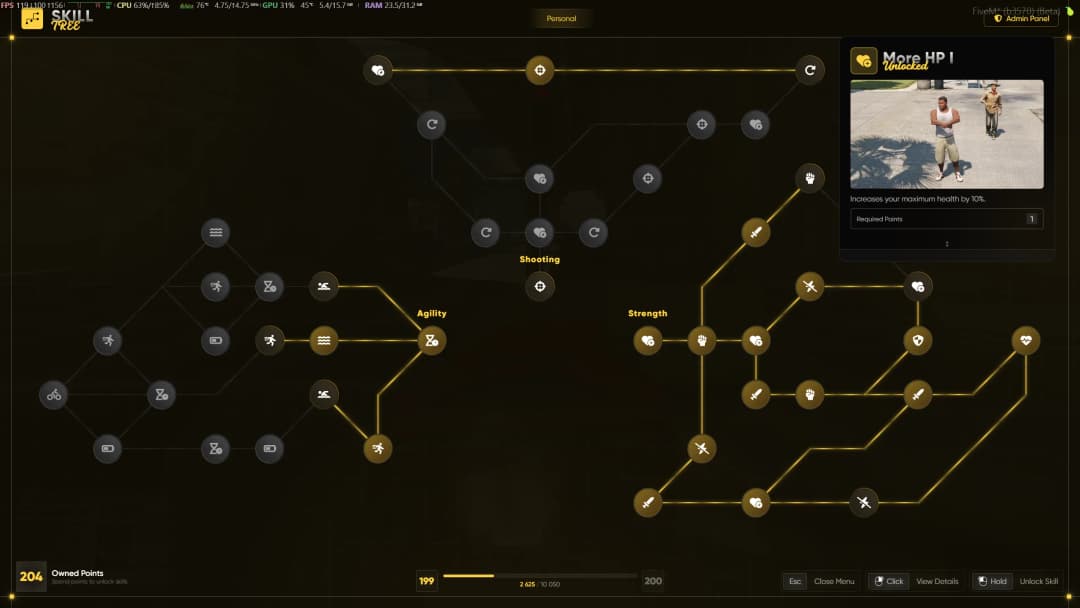
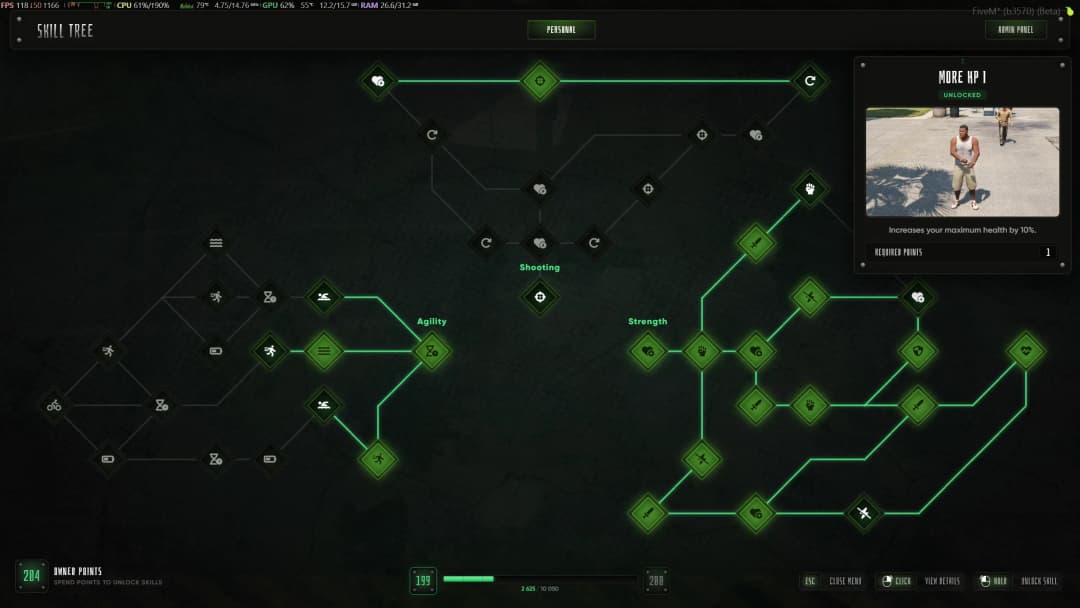
zombie | Survival / post-apocalyptic style (concrete wall + grid background) |
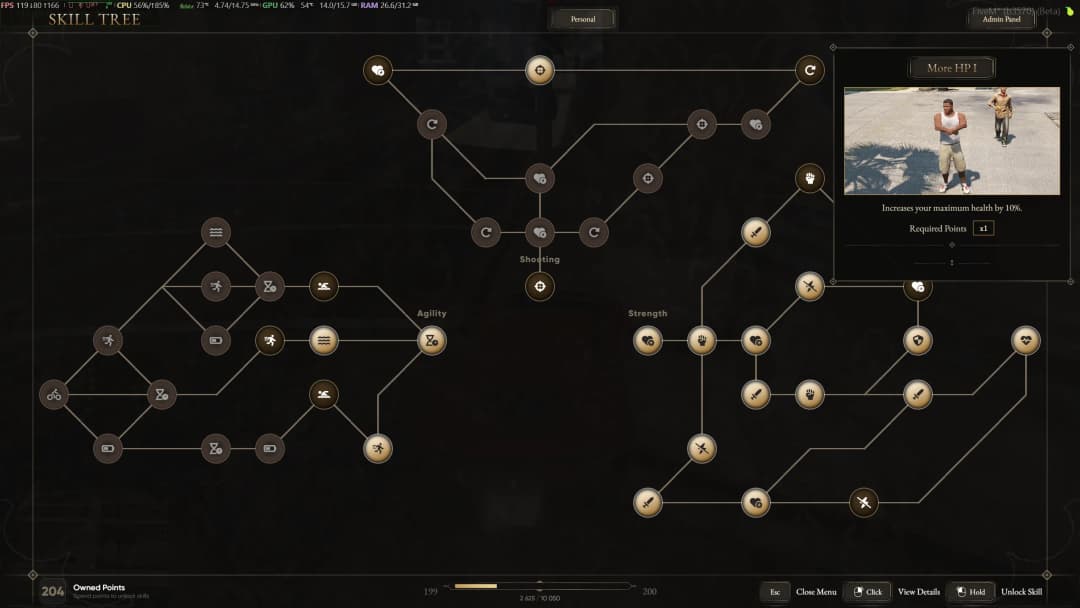
fantasy | Fantasy RPG style with ornate frames |
Legacy

Modern
Zombie
Fantasy
Custom color overrides in colors.css apply on top of the chosen theme. Combine them to fine-tune any of the built-in themes.